
Craft Your Prompt
Write a detailed prompt describing your desired image. Be specific about style, composition, colors, and any particular elements you want to include. The more detailed your prompt, the better the results.
Qwen Image 2.0 Pro Editing lets you modify images using natural language instructions. Describe the change you want — background swap, object removal, style transfer, text overlay — and the model handles spatial reasoning and pixel-level transformations.
Generate new visuals, refine existing images, and handle complex text with precision.
The prompt to generate the image with AI
You need 20 credits to generate images.
Your prompts and uploads must comply with Qwen's usage policies and terms.
GPT Image 2.5 launches today
Be among the first to try it
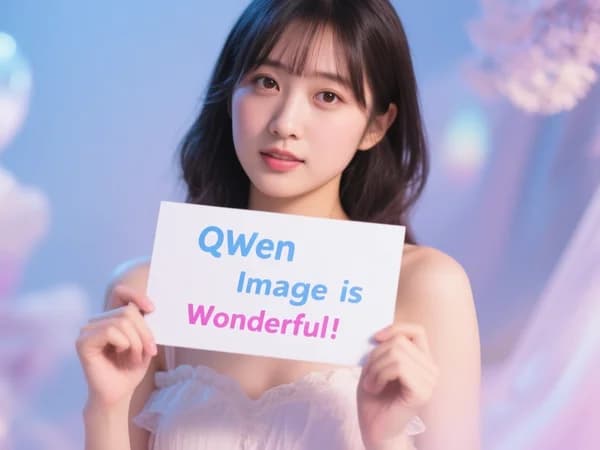
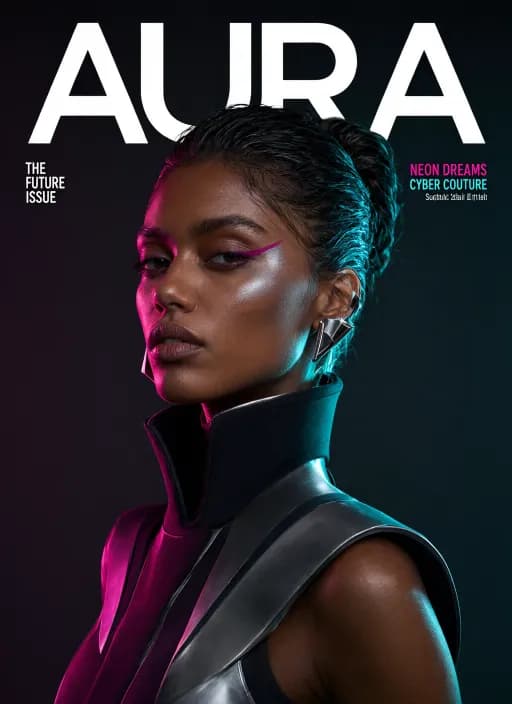
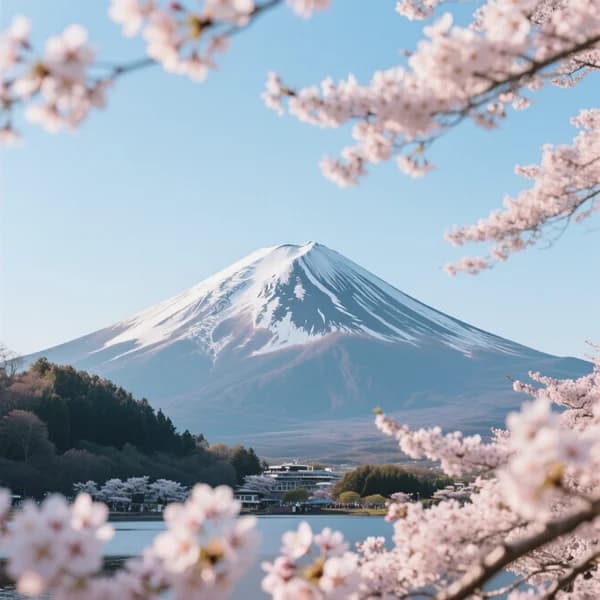
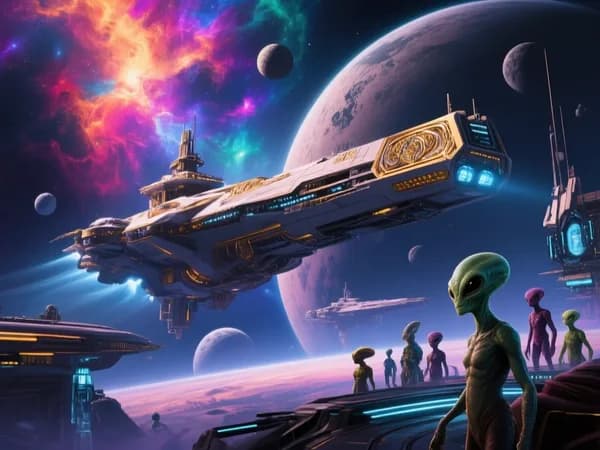
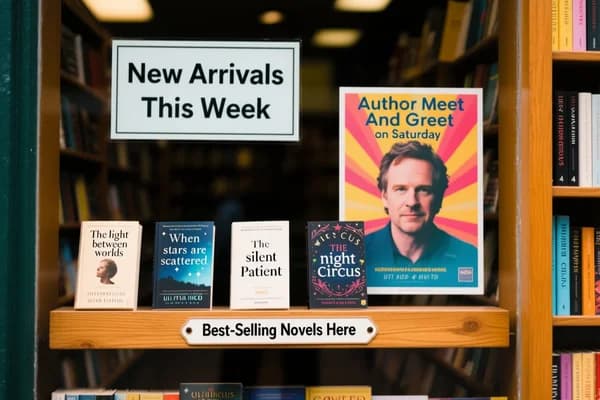
Example Gallery
AI-generated content may not always meet your expectations. Try a few times for better results.
Explore the ultimate editing capabilities of Qwen Image 2.0 Pro.
Transform a photo into a watercolor, sketch, or anime style
Add or remove elements while maintaining visual coherence
Add, modify, or overlay text directly on images
Swap environments while preserving the subject
Combine elements from multiple source images
Place illustrated characters into photographs, or vice versa
Watch amazing image creations from the global community.
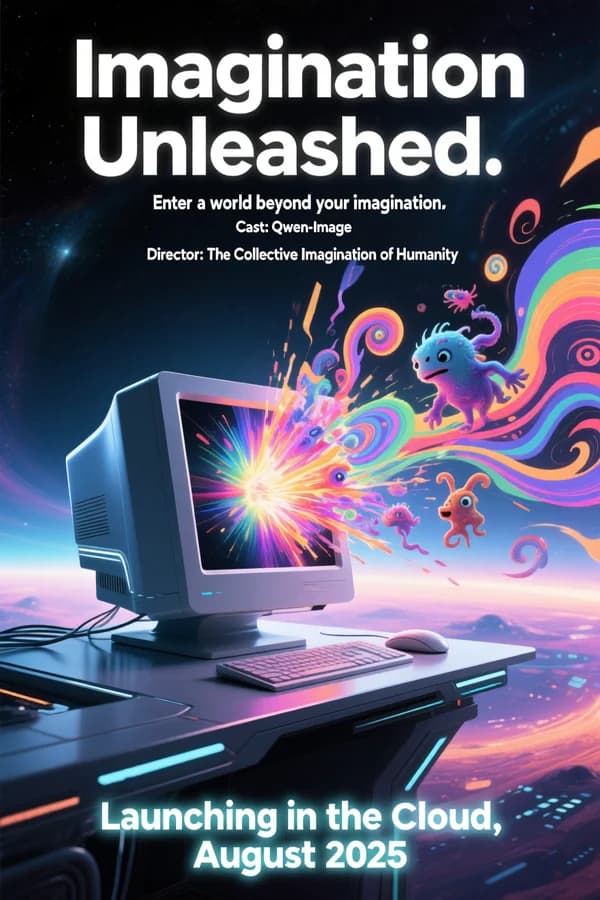
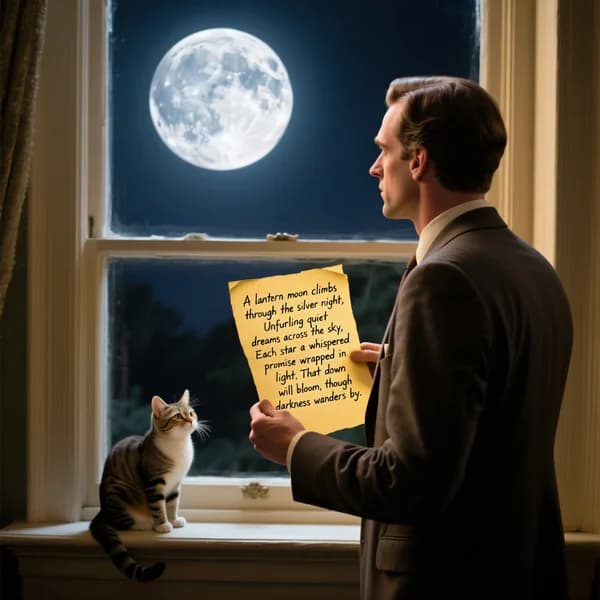
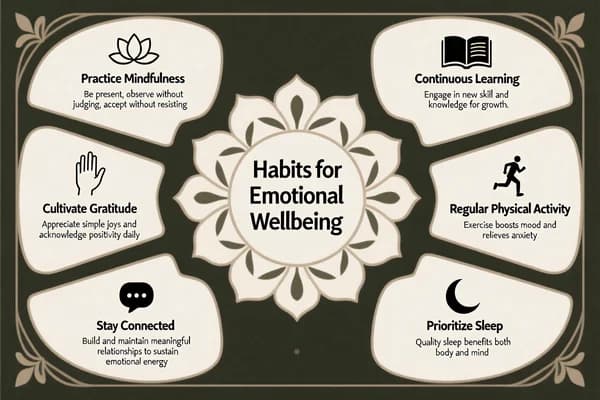
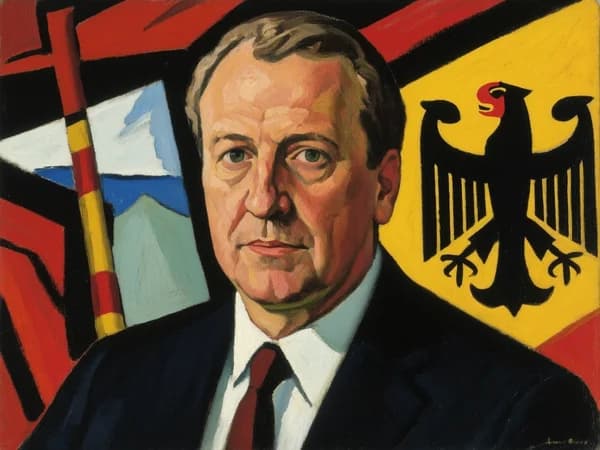
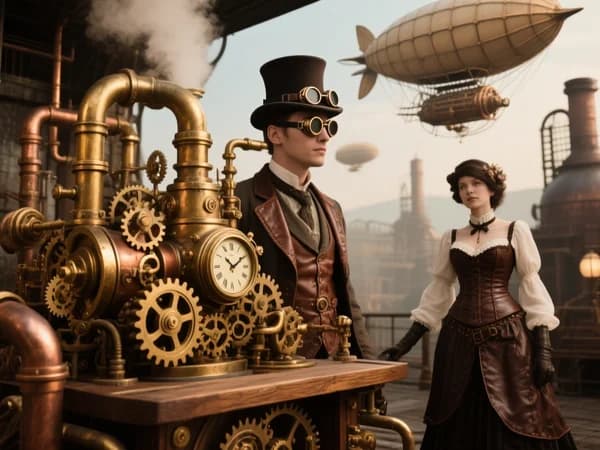
Compare our 4 core model variants across text-to-image and image editing capabilities.
| Feature | Qwen Image (v1)Classicqwen-image | Qwen Image 2Newqwen-image-2 | Qwen Image 3Bestqwen-image-3 | Qwen Image 2 ProProqwen-image-2/pro |
|---|---|---|---|---|
| Text to Image | 5 credits/img | 12 credits/img | 15+ credits/img | 20 credits/img |
| Image Edit (1 Reference) | 8 credits/img | 12 credits/img | 15+ credits/img | 20 credits/img |
| Multi-Image Edit (Up to 4) | 20 credits/img | 12 credits/img | 15+ credits/img | 20 credits/img |
| Max Resolution | Square HD | Square HD | Up to 2K | Square HD+ |
| Batch Size | Up to 4 | Up to 4 | Up to 4 | Up to 4 |
| Speed / Quality | Fast | Faster | High quality | High quality |
| LoRA Edit Features |
* Credits are consumed per generated image. Batch generation multiplies the base cost.
Experience streamlined image generation with our intuitive interface:
Write a detailed prompt describing your desired image. Be specific about style, composition, colors, and any particular elements you want to include. The more detailed your prompt, the better the results.
Choose your preferred aspect ratio, number of outputs, and any additional settings. Our platform offers multiple aspect ratios to suit different use cases, from social media posts to professional presentations.
Click the generate button and watch as our advanced AI transforms your prompt into stunning images. Our Alibaba-powered system processes your request and creates multiple variations for you to choose from.
Download your favorite generated images in high resolution. All images are ready for both personal and commercial use, with no watermarks or restrictions on your creative projects.
Find answers to common questions about using our platform. Learn how to get the most out of this innovative AI image generation technology.
Qwen Image 2 Pro uses advanced Alibaba AI technology to understand your text prompts and create high-quality images. Simply describe what you want to see, choose your settings, and our AI will generate multiple variations for you to choose from.