
Upload Multiple Images
Start by uploading the primary image and any reference images you want to use.
Edit multiple images with Qwen Image Edit Plus. Combine references, replace text, refine compositions, and create high-resolution results online.
Generate new visuals, refine existing images, and handle complex text with precision.
The prompt to generate the image with AI
You need 20 credits to generate images.
Your prompts and uploads must comply with Qwen's usage policies and terms.
GPT Image 2.5 launches today
Be among the first to try it
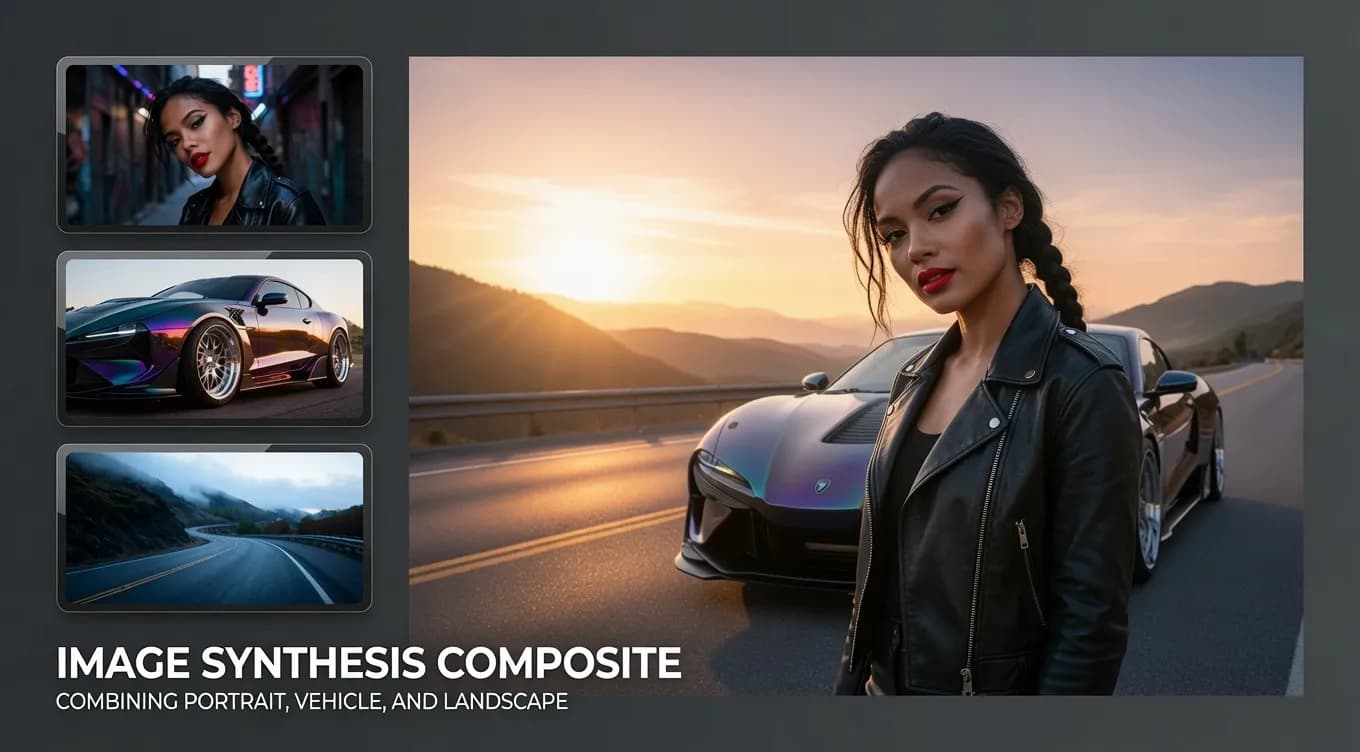
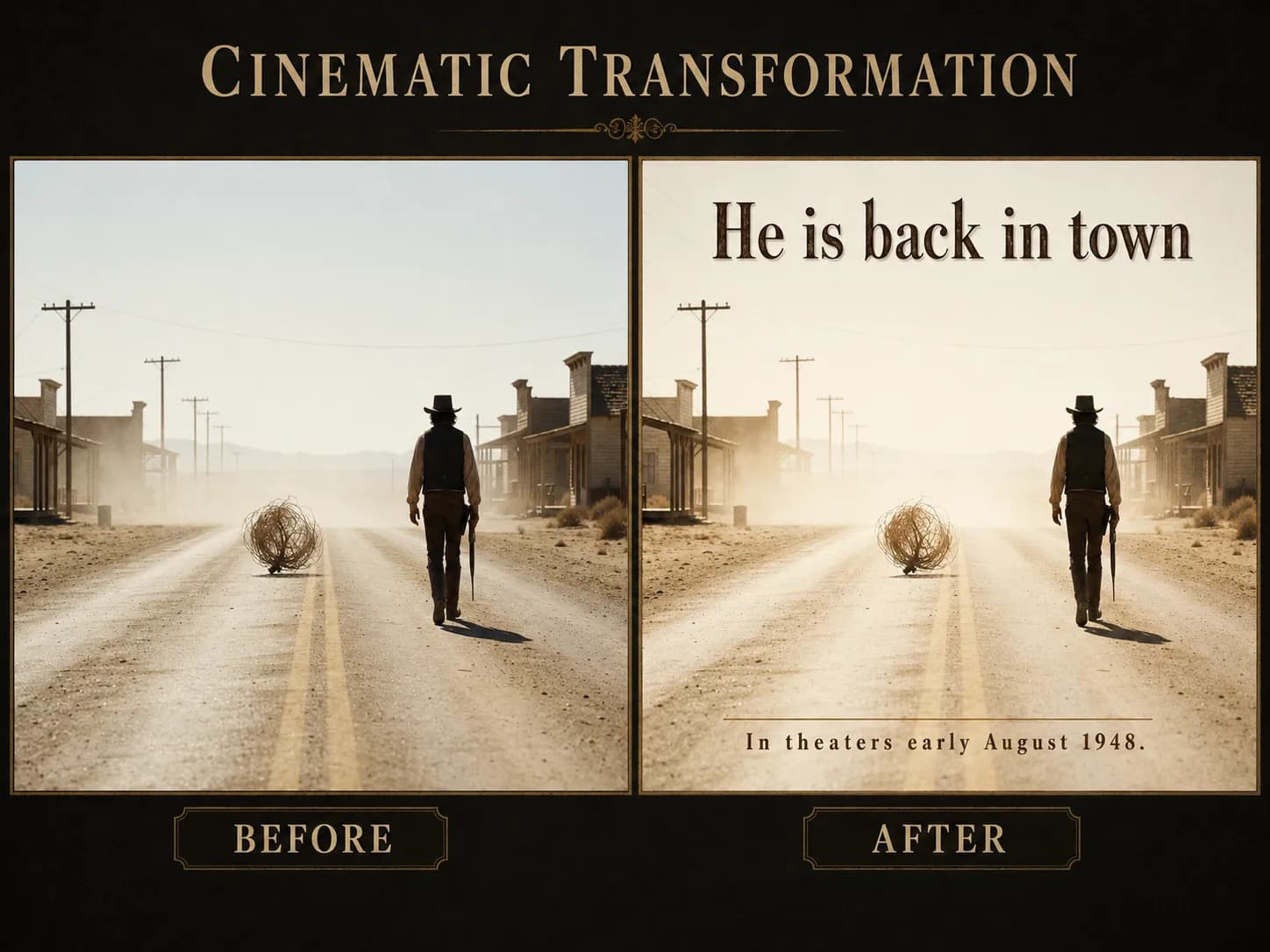
Example Gallery
AI-generated content may not always meet your expectations. Try a few times for better results.
Upload multiple images to guide the AI in generating exactly what you need.
Perfectly render and edit text in multiple languages within your images.
Seamlessly blend elements from different reference images into a cohesive final result.
Generate ultra-high-resolution images perfect for professional and commercial use.
Watch amazing image creations from the global community.

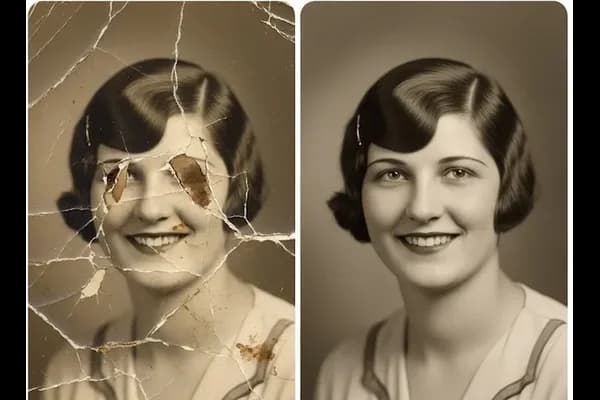
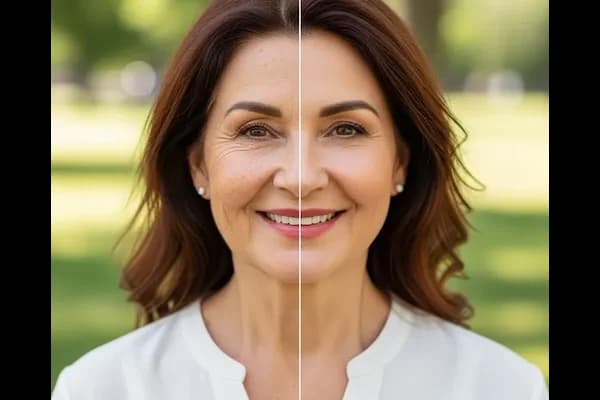
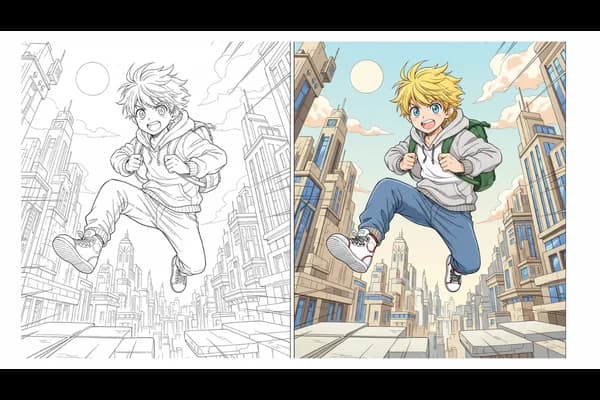
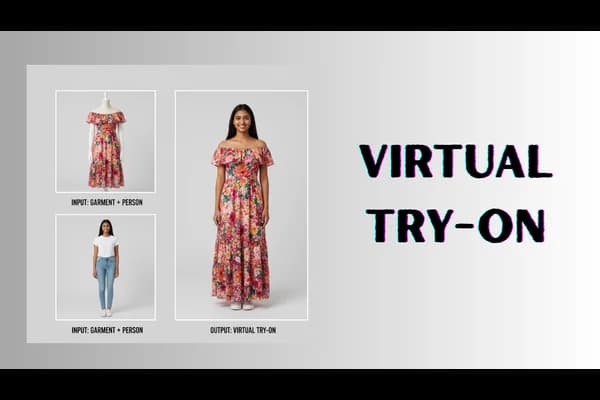
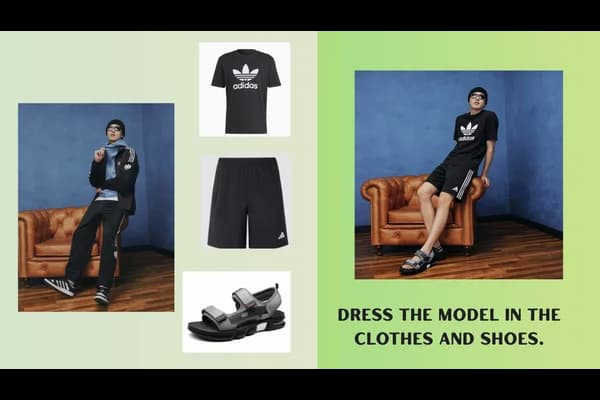
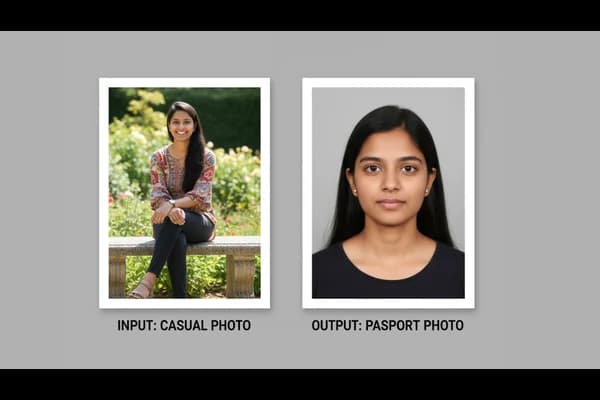
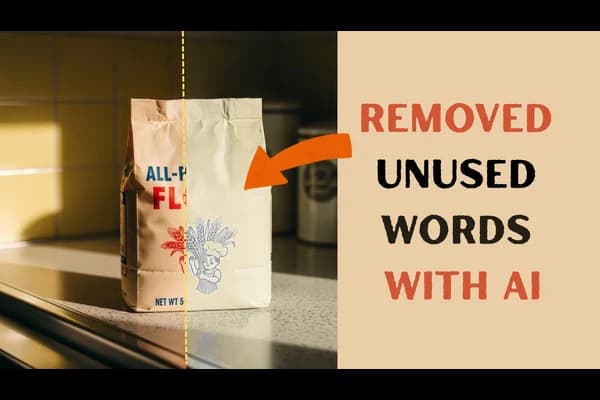
Start by uploading the primary image and any reference images you want to use.
Write detailed prompts, including specific text editing or multi-image composition instructions.
Click the generate button and let the advanced AI process your complex requests.
Download your masterpiece and share it with the world.
Qwen Image Edit Plus supports multi-image references and offers significantly improved text editing capabilities compared to the standard edit model.