Edit images without rebuilding what already works
Creative work rarely ends with the first image. Teams need to remove objects, change copy, explore a new style, or correct one detail without losing the rest of the composition. Qwen-Image-Edit brings those revisions into a prompt-based workflow built on the 20B Qwen-Image model.
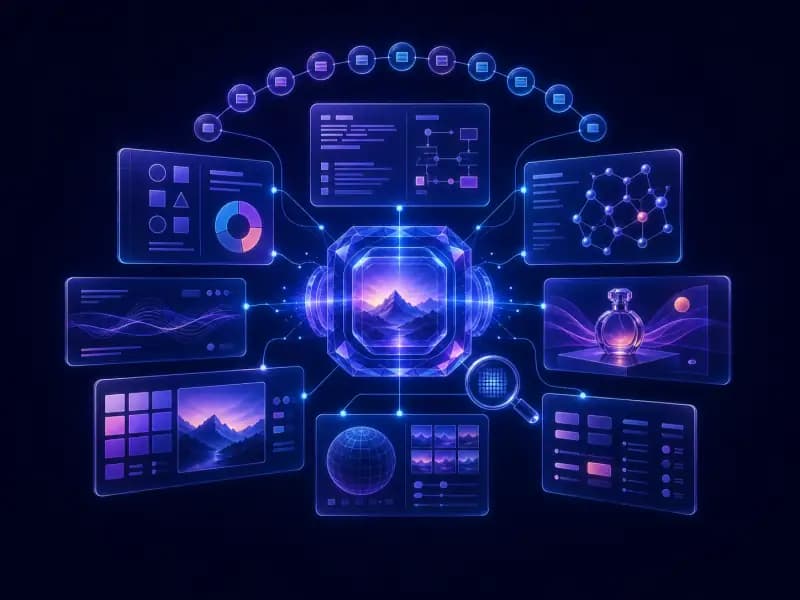
But that's not all. Qwen-Image-Edit combines the best of both worlds by feeding the input image into Qwen2.5-VL for visual semantic understanding and the VAE Encoder for visual appearance control. This dual-approach unlocks a new dimension of editing possibilities, from subtle tweaks to complete transformations.
The model combines Qwen2.5-VL for visual semantic understanding with a VAE Encoder for appearance control. This supports both broad creative transformations and localized changes.
Core capabilities
Qwen-Image-Edit focuses on three practical editing needs:
- Semantic and appearance editing: Add or remove elements while preserving the surrounding image, or make broader changes such as style transfer, object rotation, and character development.
- Precise text editing: Add, delete, or modify Chinese and English text while retaining the original font, size, and style.
- Iterative refinement: Chain focused edits to correct individual regions without restarting the entire composition.
See the editing modes in action
Let's dive into what makes Qwen-Image-Edit so special. Here are just a few examples of its powerful capabilities.
Semantic editing for broader transformations
Semantic editing is all about modifying the content of an image while preserving its original meaning and style. To showcase this, let's take our beloved mascot, the Capybara, on a creative journey.

As you can see, even though the edited images are vastly different from the original, the character of the Capybara remains perfectly consistent. This powerful semantic editing capability makes it easy to create diverse and original IP content.
We even created a set of MBTI-themed emoji packs based on our Capybara mascot, showcasing the endless possibilities for creative expression.

Novel view synthesis for new perspectives
Qwen-Image-Edit can also generate novel views of objects, allowing you to see them from different angles. It can rotate objects by 90 degrees, or even a full 180 degrees, revealing the back side of the object.


Style transfer for visual exploration
With Qwen-Image-Edit, you can easily transform any portrait into a variety of artistic styles, such as the iconic Studio Ghibli look. This is perfect for creating custom avatars or just having fun with your photos.

Appearance editing for localized changes
Appearance editing is all about making precise changes to specific parts of an image while leaving the rest untouched. Qwen-Image-Edit excels at this, allowing you to add, remove, or modify elements with incredible detail.
For example, you can add a signboard to a scene, and Qwen-Image-Edit will even generate a corresponding reflection.

You can also remove fine details like hair strands or change the color of a single letter.


From changing backgrounds to swapping outfits, the possibilities are endless.


Text editing for bilingual creative assets
Thanks to its deep understanding of text rendering, Qwen-Image-Edit makes editing text in images a breeze. Whether you're working with English or Chinese, you can make precise changes to headlines, posters, and even small, intricate text elements.


Chained editing for step-by-step refinement
Sometimes, getting the perfect result takes a few tries. With Qwen-Image-Edit, you can use a chained editing approach to progressively correct errors and refine your images until they're exactly what you want.
Here's an example of how we used chained editing to correct a calligraphy artwork generated by Qwen-Image:

By drawing bounding boxes and providing specific instructions, we were able to correct the characters step-by-step until we achieved the final, perfect version.


With this chained, step-by-step approach, you can correct individual character errors while preserving the stronger parts of the image.

Start your first edit
Choose a clear source image and describe one primary change. State what should remain untouched, review the result, and use a second focused prompt for any remaining detail. Visit Qwen Image Generator and select Image Editing to begin.